
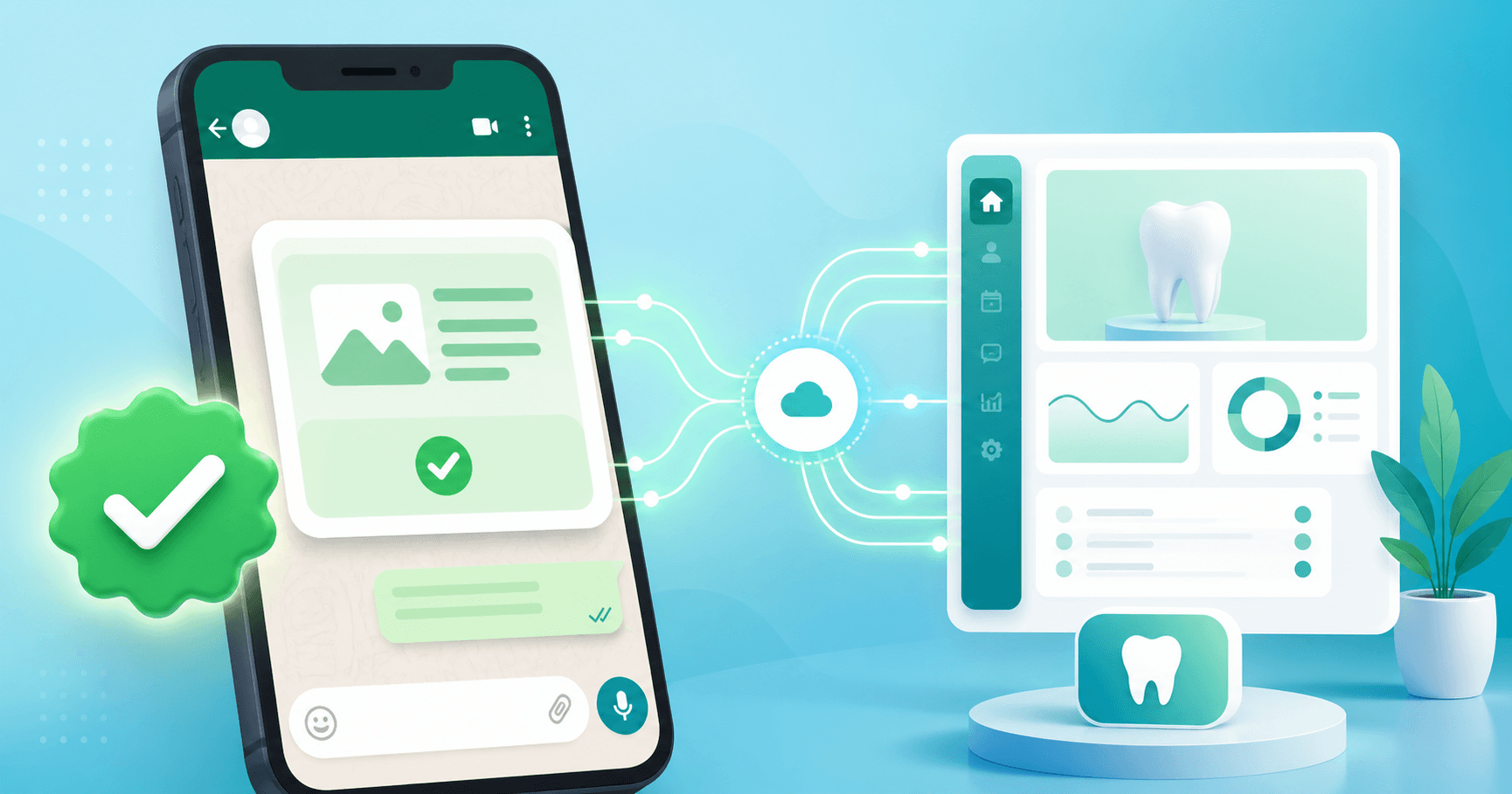
WhatsApp is the default messaging app for Indian dental patients. With 500+ million Indian users, 90%+ message open rates, and patients who prefer WhatsApp over SMS or email by a wide margin, no Indian dental clinic in 2026 can afford to skip it. But there's a difference between using your personal WhatsApp number to message patients and running a proper WhatsApp Business API integration through your dental clinic management software.
This guide explains how the WhatsApp Business API works for Indian dental clinics, what you can do with it, how approved templates work, and how Smart Dental Desk's native WhatsApp integration handles compliance under the DPDP Act.
WhatsApp personal vs Business App vs Business API — what's the difference?
Most Indian dental clinics start out using one of the first two options — and outgrow them quickly.
1. WhatsApp Personal (your own number)
You message patients from your personal phone. No automation, no templates, no broadcast lists at scale. Patient responses land in your personal inbox alongside family WhatsApp groups. There's no audit trail, no opt-in/opt-out tracking, and no DPDP-compliant data handling. Fine for a dentist's personal contacts; not fine for a clinic operation.
2. WhatsApp Business App (free)
Meta's free Business App gives you a separate business profile with quick replies, labels, and away messages. Better than personal but still designed for a single user on a phone — not for a clinic with reception, multiple doctors, and hundreds of patients per week. No real automation, no integration with your dental software, and no support for high-volume broadcast.
3. WhatsApp Business API (the real solution)
The WhatsApp Business API is Meta's enterprise-grade messaging product. It runs through software (your dental clinic management system), supports automation, approved message templates, multi-user inboxes, and high-volume broadcasts. This is what serious Indian dental clinics use in 2026 — and it's what Smart Dental Desk integrates with natively.
What you can do with WhatsApp Business API in a dental clinic
The API unlocks five categories of patient communication that simply aren't possible on personal WhatsApp or the Business App:
1. Automated appointment reminders
When the front desk books an appointment in your dental software, a templated reminder fires automatically — 24 hours before, again 2 hours before, with a confirmation button the patient can tap. The patient's response (confirmed, reschedule, cancel) flows back into your software, updating the appointment status without anyone calling. No-show rates drop 30–50% with proper reminders.
2. Recall campaigns for overdue patients
Patients due for a 6-month cleaning, a follow-up implant check, or a treatment-plan continuation get a friendly nudge automatically. The dental software identifies patients who haven't visited in X months and triggers a templated recall message in their preferred language. Patients tap a Book Now button and land in your online booking flow.
3. Post-treatment care instructions
After an extraction, a root canal, or an implant placement, the patient gets step-by-step recovery instructions on WhatsApp — what to eat, what to avoid, when to call if pain worsens. Templates are pre-approved and personalised with the patient's name, the procedure, and the prescribing dentist. Patients reach out to a multi-user clinic inbox, not a personal phone — staff can take turns covering the inbox without losing context.
4. Bulk marketing campaigns
Festival greetings, dental health camp announcements, new branch openings, dental package offers — all go out as approved-template broadcasts to your patient base. The clinic owns the patient list (it's not on a third-party marketplace), patients can opt out with a single tap, and the campaign respects DPDP Act consent requirements.
5. Two-way patient conversations (WhatsApp Inbox)
Patients can reply to any clinic message and start a conversation. The reception team handles the inbox from the dental software — tagging messages, assigning to the right doctor, and replying without ever opening WhatsApp Web. The whole conversation is logged against the patient record for the next visit.
How approved templates work
Meta requires every business-initiated message on the WhatsApp Business API to use an approved template — you can't freely send marketing or transactional messages outside a 24-hour conversation window. Templates protect users from spam and ensure quality.
How template approval works:
- You write the template (or use one of Smart Dental Desk's pre-built dental templates).
- Meta reviews it for compliance — usually within 1 minute to a few hours.
- Once approved, you can send the template to any opted-in patient.
- Variable fields (patient name, appointment time, doctor name) are substituted at send time.
Smart Dental Desk ships with a library of pre-approved dental templates for the common workflows — appointment confirmations, reminders, recalls, post-extraction care, payment receipts, festival greetings — so you can start sending day one without writing your own from scratch.
Multi-language patient communication
The WhatsApp Business API supports any language, but the templates have to be approved per language. Smart Dental Desk's template library is available in:
- English — default, works everywhere
- Hindi — for North Indian and Hindi-belt clinics
- Tamil — for Tamil Nadu clinics and Tamil-speaking patients in Bengaluru, Chennai
- Kannada — for Bengaluru and Karnataka clinics
- Telugu — for Hyderabad, AP, and Telangana clinics
- Marathi, Gujarati, Bengali, Malayalam, Punjabi — available on request
Templates can be assigned per branch and per patient preference, so an Old City Hyderabad branch can default to Urdu/Hindi while the Hi-Tech City branch defaults to English. Patient preference is stored on the patient record and respected for every send.
DPDP Act compliance and patient consent
India's Digital Personal Data Protection (DPDP) Act, 2023, requires explicit consent for patient communication and a clear opt-out mechanism. WhatsApp Business API has built-in support for both:
- Opt-in tracking. Every patient is recorded as having given (or not given) consent for WhatsApp communication. The system never sends to patients who haven't opted in.
- Easy opt-out. Every marketing message includes a Stop Messages option. One tap and the patient is excluded from future broadcasts — permanently and automatically.
- Audit trail. Every message sent and received is logged with timestamp, sender, template ID, and delivery status — defensible under DPDP audit.
- Indian server hosting. Patient WhatsApp data is stored on Indian servers, not routed through foreign infrastructure unnecessarily.
- Role-based access. Only authorised staff can see WhatsApp conversations — not every receptionist sees every patient's messages.
Indian dental clinics can run rich WhatsApp communication while staying compliant with DPDP requirements.
The 24-hour conversation window — the rule everyone misses
Once a patient sends you a WhatsApp message, you have a 24-hour conversation window in which you can reply with any free-form message (no template required). After 24 hours, you're back to approved templates.
For Indian dental clinics, this matters: if a patient asks "is the doctor available tomorrow?" at 11am, your reception can reply "Yes, Dr Sharma has slots at 4pm and 5pm. Should I book one for you?" freely until 11am the next day. After that, any new clinic-initiated message must be a template — usually a reminder or recall.
How Smart Dental Desk's WhatsApp integration works
WhatsApp is built into the dental software, not a separate tool:
- Connect once: link your WhatsApp Business Account during setup — the platform handles Meta verification, business profile, and template submission.
- Auto-fire reminders: appointment confirmations and reminders fire automatically when appointments are booked.
- Recall automation: set rules like "patients who haven't visited in 6 months get a recall message" and the system handles it.
- Bulk campaigns: compose a campaign in 3 minutes, pick the audience (all patients, last 30 days, specific procedure type, age range), schedule the send, done.
- Multi-user inbox: reception, doctors, and admins share a unified WhatsApp inbox visible from the dental software dashboard.
- AI-drafted content: the AI copilot drafts campaign content in your preferred language — you review, tweak, and send.
Pricing — what WhatsApp costs in 2026
Meta charges per conversation, not per message. A "conversation" is a 24-hour window of messages between you and a patient, and pricing is in two categories:
- Utility conversations (appointment reminders, billing, post-treatment care): low cost — typically ₹0.20–₹0.40 per conversation.
- Marketing conversations (festival greetings, recall campaigns, offers): higher cost — typically ₹0.70–₹0.90 per conversation.
Smart Dental Desk's pricing tiers include WhatsApp differently:
- Free — no WhatsApp messaging
- Standard (₹699/month) — SMS & WhatsApp appointment reminders (500 messages/month)
- Growth (₹1,299/month) — your own WhatsApp Business Account number with the green tick, marketing campaigns, automation rules, full template library, 1,000 messages/month, and priority support
Meta's per-conversation costs are passed through at cost — no markup. For most Indian dental clinics, monthly WhatsApp usage costs ₹500–₹3,000 depending on patient volume and campaign cadence.
Getting started with WhatsApp Business API in your dental clinic
The process to go live takes 3–5 business days end to end:
- Choose a phone number. Pick a number that will be your WhatsApp Business number — this can be a new number or your existing clinic landline. It can't be the same number you use for personal WhatsApp.
- Verify your business with Meta. Smart Dental Desk handles this for you — we submit your clinic registration documents, GST certificate, and business address for Meta to verify.
- Set up your business profile. Logo, business description, hours, address, website, category — all visible to patients before they message you.
- Submit your first templates. Use the pre-built dental template library to get started; customise as you grow.
- Train your reception team. 30-minute walkthrough on the inbox, automation rules, and campaign composer.
- Go live. Reminders start firing on the next booked appointment.
Try Smart Dental Desk's WhatsApp integration
Smart Dental Desk is built in India for Indian dental clinics. Start with the free plan to test the dental software on your real workflow, then upgrade to Growth (₹1,299/month) when you're ready to turn on WhatsApp campaigns. Book a 20-minute demo to see how appointment reminders, recall automation, and bulk campaigns work for a clinic like yours.
For deeper reads on related topics, see our guides on dental AI software, WhatsApp marketing strategy, online appointment booking, and our city-specific guides for Bengaluru and Hyderabad.
Ready to try Smart Dental Desk?
Free for solo dentists. No credit card. Start in 5 minutes.